
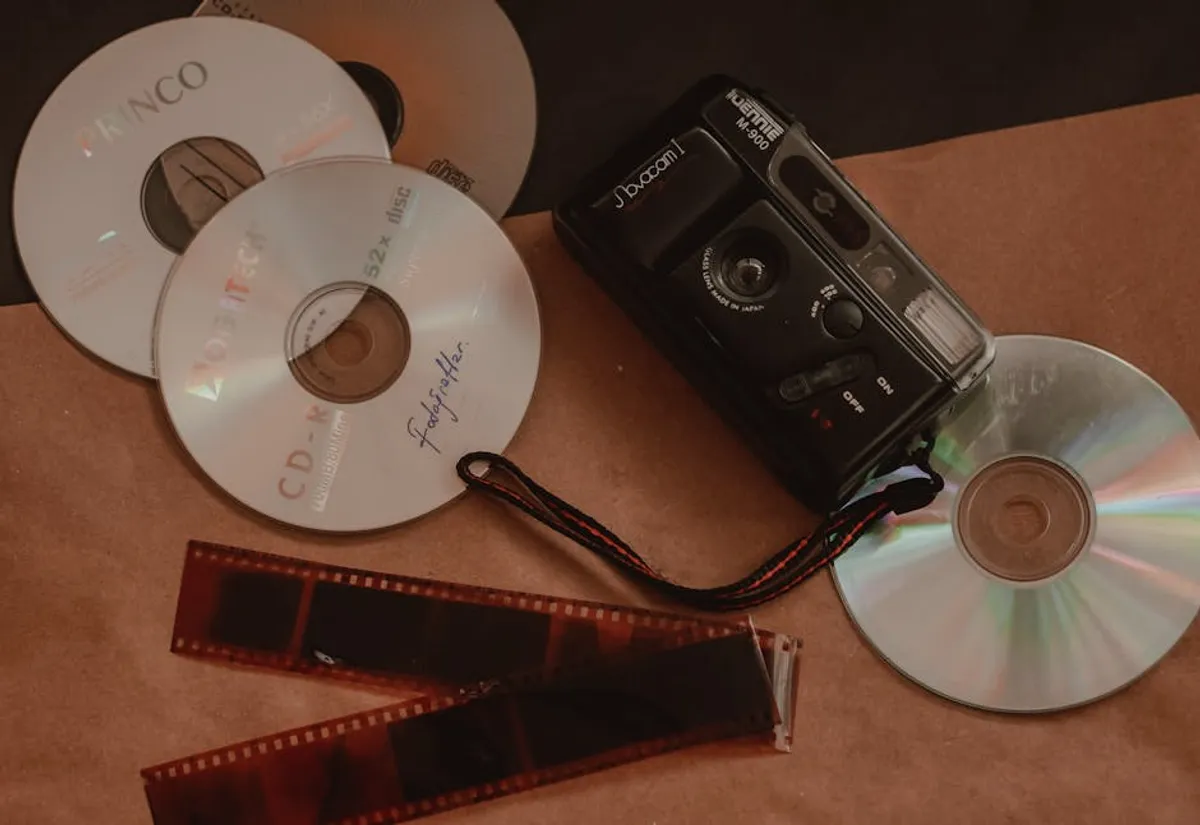
Preserving old photos and stories online moves beyond simple nostalgia; it represents a strategic decision for safeguarding invaluable historical, cultural, and personal assets. For individuals, this means securing a family legacy against physical degradation or loss. For organizations, including historical societies, small businesses with a long past, or agencies managing client archives, it translates into protecting unique content, enhancing discoverability, and creating new engagement opportunities. The process involves more than just uploading files; it requires careful digitization, structured organization, and thoughtful online deployment to ensure longevity and accessibility.
Digitizing Physical Assets for Online Archiving
The foundation of online preservation lies in converting physical artifacts into high-quality digital formats. This initial step dictates the clarity, detail, and long-term utility of your archived content.
Scanning Techniques and Equipment Selection
Choosing the right scanning approach is critical. For delicate, irreplaceable photographs, a flatbed scanner offers precise control, allowing for careful placement and high-resolution capture without risk of damage common with automatic document feeders. Look for models capable of at least 600 dots per inch (DPI) optical resolution, and ideally 1200 DPI for smaller prints or negatives, to capture maximum detail for future enlargement or restoration. Higher DPI ensures that even subtle textures or faded inscriptions are preserved. For large volumes of documents, a document scanner with an automatic feeder can significantly accelerate the process, but ensure it handles various paper sizes and thicknesses without jamming. Color depth, typically 24-bit or 48-bit, impacts the fidelity of color reproduction; 48-bit captures a wider range of tones, crucial for accurate historical color representation.
File Formats for Long-Term Preservation
Selecting appropriate file formats is a key decision for archival integrity and future accessibility. Lossless formats are paramount for master copies.
- TIFF (Tagged Image File Format): Widely regarded as the industry standard for archival image storage. TIFF files are uncompressed or use lossless compression, meaning no image data is discarded during saving. This preserves every pixel of the original scan, making them ideal for master copies that may undergo future editing or format migration.
- JPEG (Joint Photographic Experts Group): While excellent for web display due to its high compression and small file sizes, JPEG is a lossy format. Each time a JPEG is saved, some data is permanently discarded, leading to cumulative degradation. Use JPEGs for web-optimized versions or sharing copies, but never as your primary archival format.
- PNG (Portable Network Graphics): A lossless format suitable for web use, especially for images with sharp lines, text, or transparent backgrounds. While better than JPEG for quality, TIFF remains superior for raw archival masters due to broader industry support for professional image handling.
- PDF/A (Portable Document Format for Archiving): A specialized version of PDF designed for long-term preservation of electronic documents. It embeds all necessary fonts, colors, and images directly within the file, ensuring it will render identically across different systems and over time. Ideal for scanned documents, letters, and multi-page narratives.
Structuring and Organizing Digital Collections
Digitization is only the first step. Without robust organization, digital archives quickly become unsearchable and functionally useless. Effective structuring enhances discoverability and ensures long-term utility.
Metadata Application for Discoverability
Metadata—data about data—is the backbone of any searchable digital archive. It allows for precise retrieval of specific items from vast collections. Embedding descriptive tags, dates, locations, and names directly into image files using standards like EXIF (Exchangeable Image File Format), IPTC (International Press Telecommunications Council), and XMP (Extensible Metadata Platform) is essential. EXIF data is often automatically generated by cameras, including date, time, and camera settings. IPTC and XMP allow for manual input of keywords, captions, copyright information, and creator details. For example, tagging a photo with "1955," "Family Reunion," "Smith Family," and "Oakland, California" ensures it can be found by any of those terms, even if the filename is generic. This granular data is invaluable for future research, content categorization, and even SEO for online galleries.
Consistent Naming Conventions and Folder Structures
A well-defined naming convention and a logical folder hierarchy prevent chaos. Adopt a consistent naming pattern from the outset, such as YYYY-MM-DD_Event-Description_Location_UniqueIdentifier.ext (e.g., 1968-07-14_GrandmasBirthday_Chicago_001.tif). This makes files sortable by date and provides immediate context without opening the file. Similarly, a hierarchical folder structure like Year > Event > Sub-Event (e.g., 1968 > Family Reunions > Grandma's Birthday) creates a navigable system. Avoid overly deep nesting, which can make paths unwieldy. The goal is intuitive access for anyone interacting with the archive.
Pro Tip: Before initiating large-scale digitization, establish your naming conventions and metadata standards. Retroactively applying these to thousands of files is significantly more time-consuming and prone to errors than integrating them into the initial capture workflow. Consistency from day one saves immense effort later.
Platforms for Online Preservation and Sharing
Once digitized and organized, selecting the right online platform determines how your assets are stored, accessed, and shared.
Cloud Storage Solutions for Archival Integrity
Cloud storage offers scalable, redundant solutions for digital preservation. Services vary in features, but look for providers offering geo-redundancy (data stored in multiple geographical locations) and version control (ability to revert to previous file versions). Access control features, such as granular permissions, are crucial for managing who can view or edit files. Cost models typically scale with storage volume and data transfer rates.
Best for: Individuals and small organizations needing secure, accessible storage without complex asset management features.
Dedicated Digital Asset Management (DAM) Systems
For larger collections or professional environments, a Digital Asset Management (DAM) system provides advanced capabilities beyond basic cloud storage. DAMs offer robust metadata management, sophisticated search functionalities, controlled access workflows, and rights management features. They facilitate collaboration, automate asset distribution, and ensure brand consistency across various channels.
Best for: Businesses, cultural institutions, or agencies managing extensive archives, requiring collaborative workflows, and needing to control asset usage rights.
Website Integration and Content Management Systems
Integrating your preserved photos and stories into a website via a Content Management System (CMS) transforms a static archive into an engaging, discoverable resource. A CMS allows you to build custom galleries, create narrative-driven posts, and link images to specific stories or historical contexts. Look for platforms that support:
- Custom post types for different content forms (e.g., "Photo Gallery," "Oral History").
- Advanced taxonomy (categories and tags) for detailed content classification.
- Responsive design for optimal viewing across devices.
- Plugins or extensions for image optimization and SEO.
- User permissions to manage who can contribute or edit content.
This approach activates your archive, turning it into a dynamic content hub that can attract and engage audiences.
Crafting Narratives Around Visuals
Digital preservation extends beyond mere storage; it encompasses the art of storytelling. Photos gain significant value when contextualized by narratives.
Incorporating Oral Histories and Written Accounts
Pairing images with audio recordings of oral histories or transcribed written accounts creates a richer, multi-dimensional experience. Transcribe audio interviews to provide text-based searchability and accessibility. Link specific sections of text or audio clips to relevant images within a digital gallery or article. This approach not only preserves the visual but also the spoken and written memories, offering deeper insights into the context and emotions surrounding the photos.
SEO Considerations for Historical Content
For content to be discovered online, it must be optimized for search engines. This means applying SEO principles to your historical archives. Conduct keyword research for historical terms, names, and events relevant to your content. Ensure all images have descriptive alt text, which aids accessibility and provides search engines with context. Implement structured data (schema.org markup) for images, historical events, and persons to enhance how search engines understand and display your content in search results. For example, using ImageObject schema for photos and Event schema for historical occurrences can lead to richer snippets and improved visibility.
Securing Your Digital Legacy
Maintaining a digital archive is an ongoing commitment. Regular backup strategies, ideally following the 3-2-1 rule (three copies, two different media types, one offsite), are non-negotiable. Periodically review your chosen file formats and platforms for obsolescence; technology evolves, and migration may be necessary to ensure long-term accessibility. Be mindful of copyright laws when sharing content, especially if the original creators are not explicitly known or rights have not been transferred. Proactive management ensures your preserved photos and stories remain viable and accessible for generations.
Frequently Asked Questions
What is the ideal resolution for scanning old photos?
For general purposes, 600 DPI is a good baseline. For smaller prints, negatives, or slides where you anticipate future enlargement or detailed cropping, scanning at 1200 DPI or higher captures more data, providing greater flexibility.
Should I use JPEG or TIFF for my archival photos?
Always use TIFF for your master archival copies. TIFF is a lossless format, preserving all original image data. Use JPEG only for web display or sharing copies, as it is a lossy format that discards data each time it's saved.
How can I make my online photo archive searchable?
Implement comprehensive metadata (EXIF, IPTC, XMP) for each image, including dates, locations, names, and descriptive keywords. Use consistent file naming conventions and a logical folder structure. For web integration, leverage your CMS's taxonomy and apply SEO best practices like alt text and structured data.
What is the 3-2-1 backup rule?
The 3-2-1 rule recommends keeping at least three copies of your data, storing them on two different types of media, and keeping one copy offsite. This strategy significantly reduces the risk of data loss due to hardware failure, accidental deletion, or disaster.